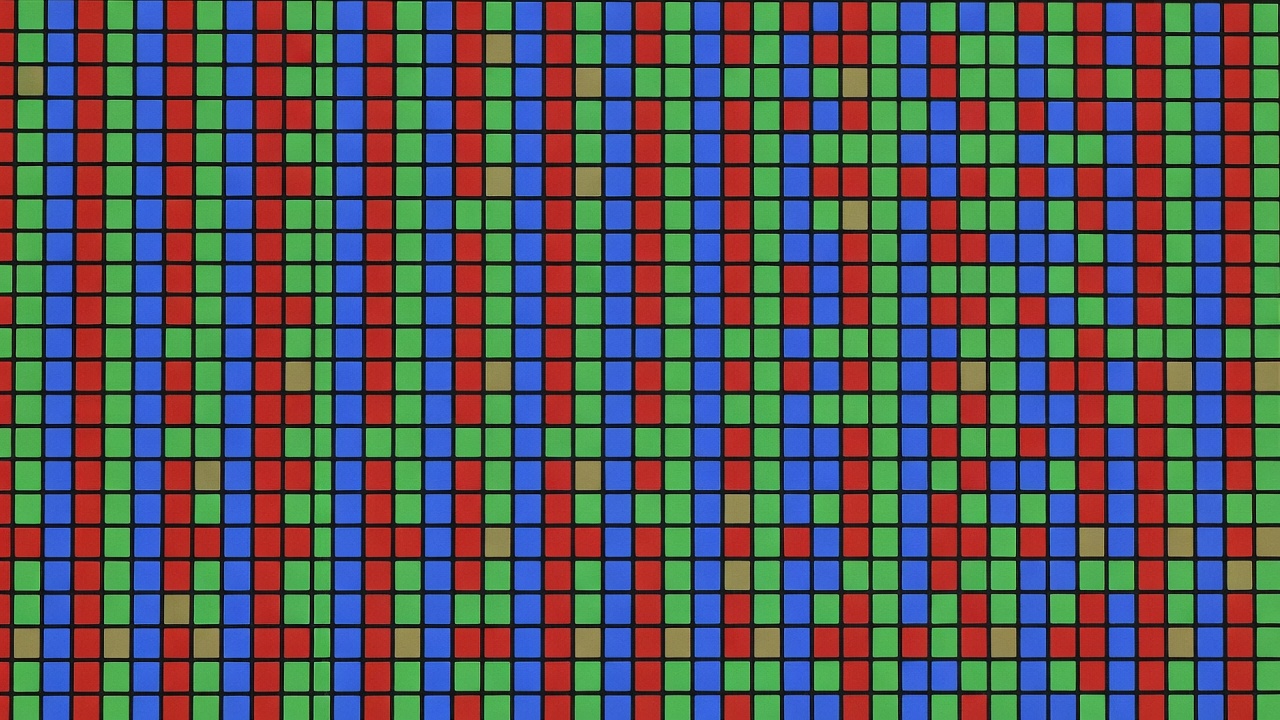
The Geometry of Retro Rasterisation
Cathode ray tubes (CRTs) did not have fixed physical pixel matrices; they traced continuous electron beams across phosphor stripes. Conversely, early dedicated portable systems utilized liquid crystal panels with tiny resolutions like 160x144 or 240x160 pixels. When you display those vintage signals on a modern high-density panel (such as 640x480, 720x720, or 1920x1080), the mathematical method used to map source pixels onto physical diodes dictates your visual clarity.
If an emulator applies non-integer fractional scaling without complex shader compensation, pixels suffer from uneven widths. A single-pixel vertical line moving across the screen will flicker between two and three physical pixels wide. This distortion, known as shimmering or pixel wobble, causes severe visual fatigue during scrolling sequences.
The Mathematics of Perfect Integer Scaling
Integer scaling locks every native guest pixel to an exact whole multiplier: 1x, 2x, 3x, 4x, or higher. When each source pixel becomes an exact square of 2x2, 3x3, or 4x4 physical diodes, distortion is completely eliminated.
Observe how panel resolutions match target guest hardware:
- 640x480 Panels (4:3): A standard 320x240 source image maps to 640x480 with an exact 2x integer scale in both axes, utilising 100% of the display area with zero borders.
- 720x720 Panels (1:1): Ideal for vertical arcade games and square formats. A 160x144 portable game scaled by 4x yields 640x576, fitting comfortably with clean integer symmetry.
- 960x544 Panels (16:9): Exactly 2x the native resolution of early widescreen handhelds (480x272), providing flawless pixel doubling without computational overhead.
- 1920x1080 Panels (16:9): Fits 320x240 at 4x scale (1280x960) with black letterbox pillars, or handles modern systems natively.
Beware of OLED panels employing Diamond Pentile subpixel matrices. Because Pentile shares red and green subpixels between adjacent cells, high-contrast single-pixel black borders will exhibit green or purple chromatic fringing. Demanding emulation purists require true RGB stripe arrangements for authentic line definition.
Panel Refresh Crystals and Frame Pacing Jitter
Resolution is only half the battle; time is the other. Classic gaming hardware rarely executed at exactly 60.000 Hz. Standard video consoles output at approximately 59.94 Hz (NTSC) or 50.00 Hz (PAL). Notable portable consoles ran at unusual crystal frequencies such as 59.7275 Hz.
If your handheld screen possesses an inexpensive mobile display panel locked to a rigid 60.000 Hz refresh cycle, one of two compromises must occur:
- Audio Stutter / Video Tear: If the emulator forces 59.73 Hz output onto a 60 Hz panel without synchronisation, frames will drop or tear periodically, accompanied by buffer under-runs that crackle in your headphones.
- Dynamic Rate Control (DRC): High-end software stacks continuously pitch-shift audio by minute fractions of a semitone (under 0.5%) and slightly accelerate or decelerate emulation to lock onto the host panel's 60 Hz crystal. While effective, it alters native game tempo.
| Target System | Native Resolution | Native Refresh Rate | Optimal Panel Choice | Scaling Factor |
|---|---|---|---|---|
| Game Boy / Color | 160 × 144 | 59.7275 Hz | 720 × 720 IPS (1:1) | 4× Integer (640×576) |
| Game Boy Advance | 240 × 160 | 59.7275 Hz | 960 × 640 IPS (3:2) | 4× Integer (960×640) |
| SNES / Genesis (NTSC) | 256/320 × 224/240 | 59.9400 Hz | 640 × 480 IPS (4:3) | 2× Integer (640×480) |
| PlayStation (PS1) | Variable (320 × 240 typ.) | 59.9400 Hz | 640 × 480 or 1920 × 1080 | 2× / 4× Integer |
Variable Refresh Rate (VRR) on High-End Hardware
Modern premium handhelds equipped with panels supporting Variable Refresh Rate (40 Hz to 120 Hz via DisplayPort or internal eDP) solve this temporal mismatch permanently. The graphics engine can command the display to refresh exactly when a new frame is presented, adapting instantaneously from 59.73 Hz to 50.00 Hz without audio warping, micro-stutter, or frame tearing. When budgeting for enthusiast emulation hardware, prioritising VRR capability eliminates dozens of software workarounds.