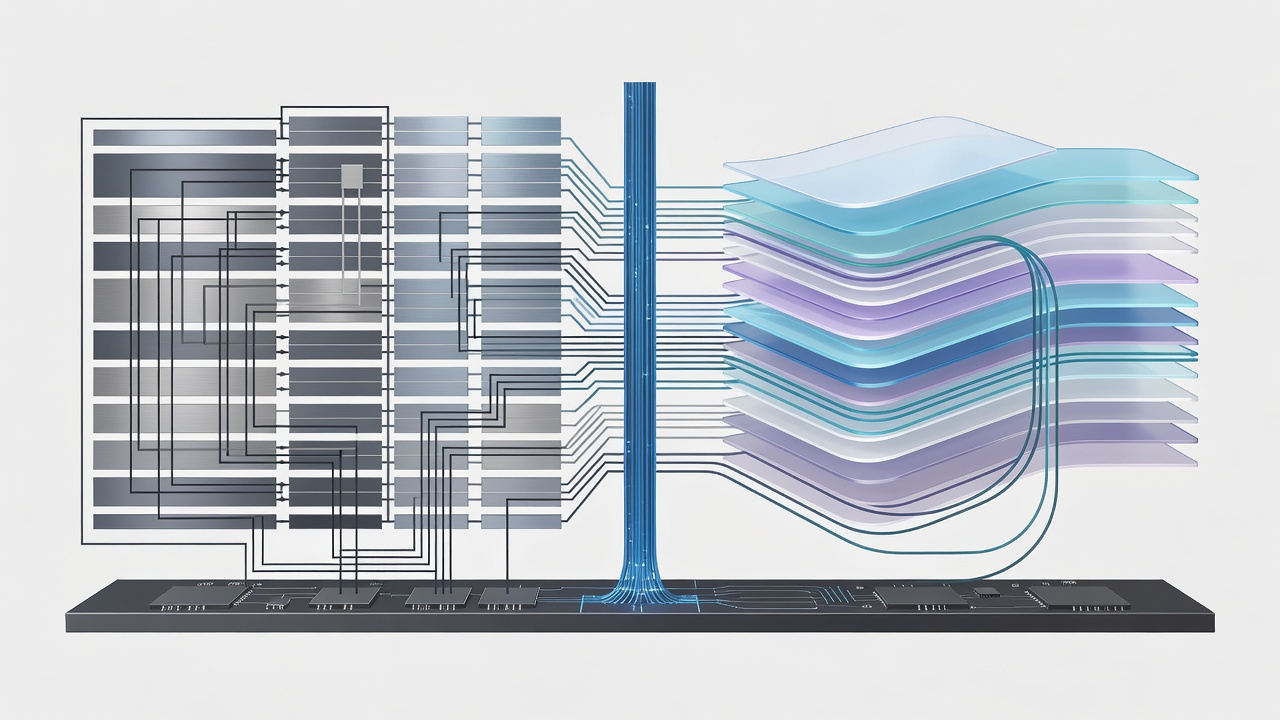
The Input-to-Photon Pipeline
When you press a microswitch on your handheld, a electrical contact closes. That event registers with a microcontroller, travels over an I2C, SPI, or USB bus to the main kernel, gets parsed by the input subsystem, triggers a state update in the emulator loop, renders a frame buffer, and finally clocks out to the LCD controller. How your operating system structures that pipeline decides whether your controls feel instantaneous or disconnected.
Handheld operating systems fall into two distinct philosophical camps: bespoke embedded Linux distributions (such as those built via Buildroot, Yocto, or minimal Debian forks) and the Android Open Source Project (AOSP) framework. Choosing between them is not a matter of graphical user interface preference; it is a fundamental hardware scheduling and display pipeline choice.
Direct Rendering Manager (DRM) and Kernel Mode Setting (KMS)
Minimal Linux firmware eliminates the window server entirely. There is no X11 server, no heavy desktop compositor, and no layered window manager running between your emulator and the silicon. Instead, the application talks directly to the Linux kernel via the Direct Rendering Manager (DRM) subsystem and controls physical video timing via Kernel Mode Setting (KMS).
This direct approach yields tangible engineering advantages:
- Page Flipping Without Buffering: The emulator writes directly into a front/back buffer pair. Once rendering finishes, the software issues an `ioctl` to flip the scanout pointer precisely on the vertical blanking interval (VBLANK). Zero intermediate compositing steps exist.
- Deterministic Audio Scheduling: Embedded Linux builds leverage ALSA (Advanced Linux Sound Architecture) directly, bypassing software mixing daemons like PulseAudio or PipeWire. Audio buffer periods can be locked down to 64 or 128 samples, bringing audio latency under 8 milliseconds.
- Low Memory Footprint: The entire operating system, kernel, and frontend can idle within 80 to 120 megabytes of RAM. This leaves maximum physical memory channels dedicated solely to game assets and dynamic recompiler code caches.
A DRM/KMS Linux stack typically delivers input-to-photon responsiveness within 1 to 2 frames (16.6 to 33.3 ms at 60 Hz). Standard Android builds introduce mandatory double or triple buffering in SurfaceFlinger, routinely adding 40 to 60 milliseconds of unavoidable pipeline delay.
The Android Hardware Abstraction Layer (HAL) Tax
Android provides broad compatibility with touch interfaces, wireless chipsets, and aggressive power states. However, that flexibility comes at a severe structural cost for real-time emulation. In Android, an application renders into an offscreen graphic buffer. The Android `SurfaceFlinger` system daemon then wakes up, composites that buffer with system overlays, notifications, and navigation bars, and schedules the final composite for display hardware scanout.
This compositing architecture guarantees that tear-free window mixing occurs across multi-tasking applications, but it introduces a mandatory buffer queue. Even when an emulator runs full-screen, the application buffer must pass through the Hardware Composer (HWC) pipeline. Unless the vendor implements zero-copy direct display overlay bypass—a feature rare in budget consumer handhelds—every frame suffers from built-in queueing latency.
Driver Stacks: Mainline Mesa Panfrost vs Vendor Blobs
Operating system choice also determines your graphics driver path. Devices shipping with proprietary vendor kernels (often locked to antique Linux versions such as 4.4 or 4.19) rely on closed-source binary drivers for ARM Mali or PowerVR GPUs. These binary drivers lack modern Vulkan extensions, contain known memory leak bugs, and freeze the device in an unmaintained state.
| Firmware Approach | Display Pipeline | Typical Input Latency | Driver Model | Kernel Maintenance |
|---|---|---|---|---|
| Embedded Linux (DRM/KMS) | Direct Page Flip | ~16 to 32 ms | Mesa / Panfrost (Open Source) | Long-Term Mainline Support |
| Android Framework (AOSP) | SurfaceFlinger Compositor | ~48 to 80 ms | Vendor Binary Blobs (DDK) | Legacy Vendor Branch (Frozen) |
| Custom Linux X11/Wayland | Composited Server | ~32 to 50 ms | Generic KMS / Mesa | Standard Distribution Kernel |
Conversely, active custom firmware communities invest thousands of hours porting devices to upstream mainline Linux kernels running open-source Mesa drivers (such as Panfrost for Bifrost and Valhall GPUs). Mainline support enables modern graphics primitives, accurate synchronisation fences via `sync_file` APIs, and rock-solid power management that preserves battery health across continuous read cycles.
Selection Criteria for Firmware Deployment
Assess your hardware purpose before committing to an ecosystem. If your emulation focus centres on 8-bit, 16-bit, and 32-bit platforms where precise reaction timing and audio synchronisation are paramount, demand a device with mature DRM/KMS Linux firmware. Reserve Android-based platforms exclusively for newer 3D systems that require complex OpenGL ES 3.2 or Vulkan features unavailable in community-maintained Linux device trees.